MT4 White Label Tool Security Configuration
From the control bar, click on the “Securities” tab. The system will list all available securities.
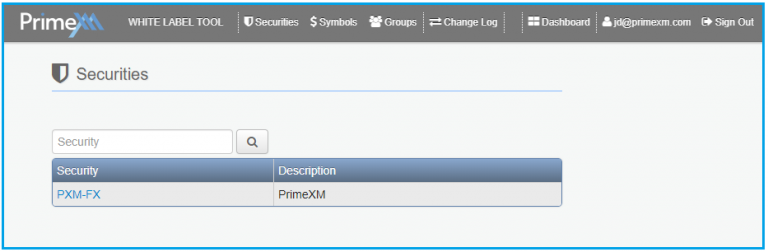
In case you have more than one security, you can filter the list by typing a keyword and click the search button  .
.
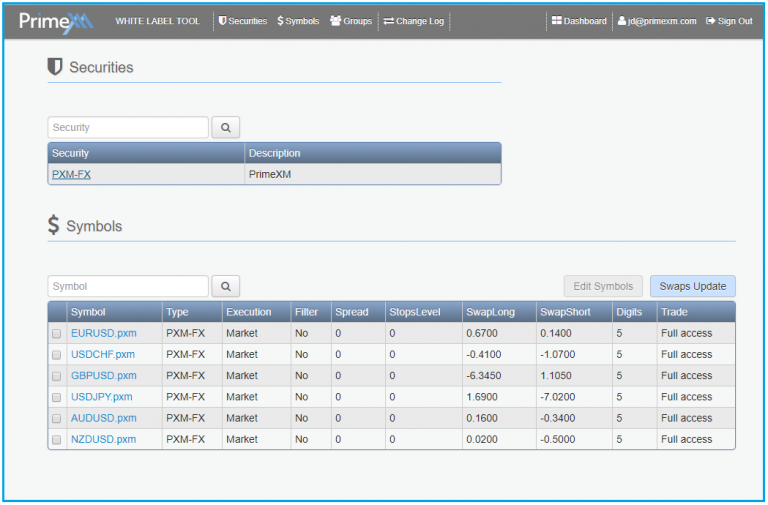
When a security is selected, all the symbols associated with this security will be listed below. This is a read-only view.
Although you can modify symbols directly from the Symbols list, it is recommended to make changes by using the “Symbols” tab. The “Symbols” tab is described in detail in the next page.