MT4 White Label Tool Login
PrimeXM WL Tool can be accessed at the address provided by PrimeXM .
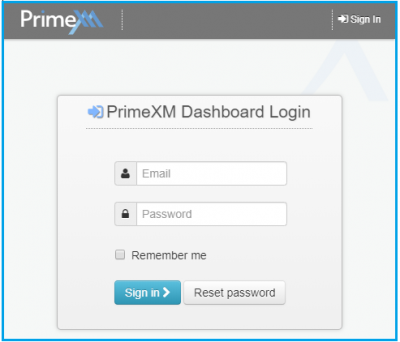
To log in, please use the username and password, provided by PrimeXM. (If you are having trouble logging in, please contact PrimeXM Support).
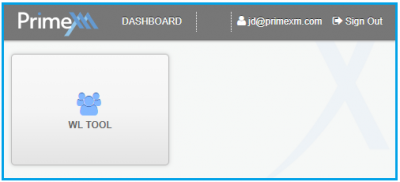
Once you are logged in, you will be presented with the Dashboard page.
Basics Controls

- Securities — MT4 Server Securities settings
- Symbols — MT4 Server Symbols settings
- Groups— MT4 Server Group settings
- Change Log — Activity log for all changes made to the settings of the WL setup
- Server— drop-down list of MT4 Server(s) on which the live and demo WL setup is located.
- i.e Live WL Setup located on Live MT4 Server
- i.e Demo WL Setup located on Demo MT4 Server
- Dashboard – go back to the Dashboard page
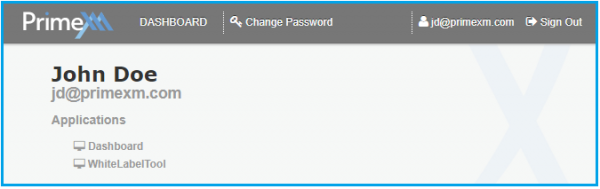
- Login name – click on the username to display user information and the list of modules accessible, as well as to reset the password.
- Sign Out – sign out from the PrimeXM WL Tool